
No products in the cart.
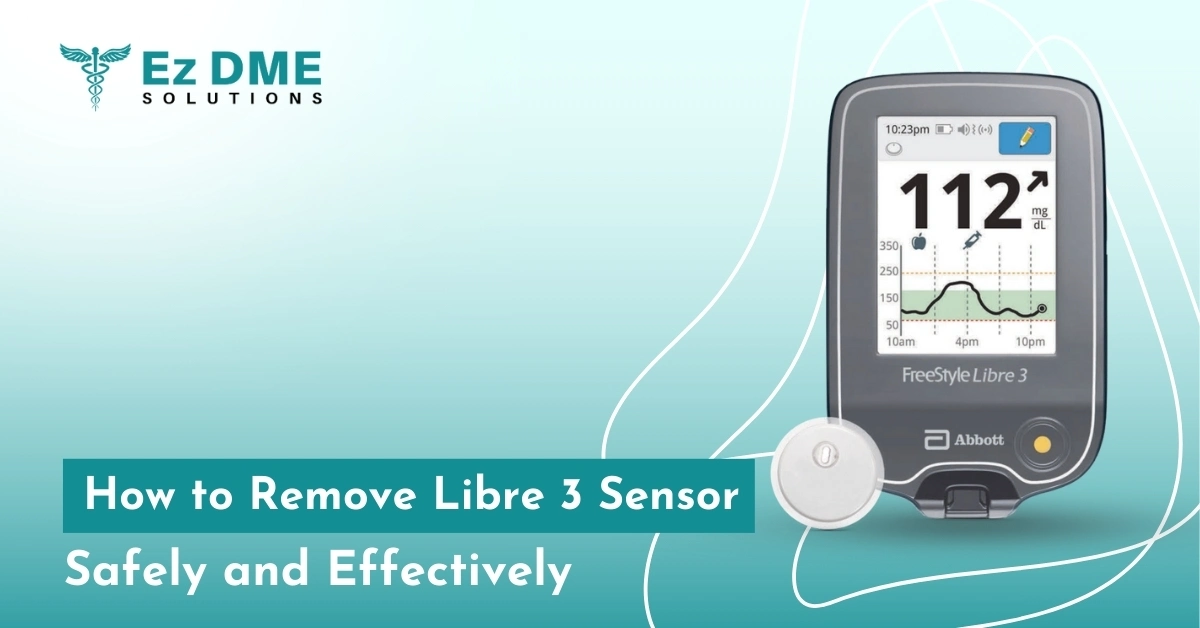
How to Remove Libre 3 Sensor Safely and Effectively
The FreeStyle Libre 3 sensor is a small-sized glucose sensor applied firmly to the back of the upper arm. Designed to stay in place for up to fourteen days, it delivers real-time blood sugar readings, helping people with diabetes make quick decisions about insulin doses, food intake, and physical activity. For those wondering how to remove Libre 3 sensor, the process is simple and gentle—just peel it off from the edge after use or when it’s time to replace it with a new sensor.
Though the Libre 3 patch is durable, careless removal can cause skin irritation, adhesive burns, or disrupt the device. This risk is higher for sensitive skin or frequent sensor users, especially those using EzDME. Gentle, slow removal helps protect the skin and ensures accurate readings, supporting consistent diabetes management.
When Should You Remove the Libre 3 Sensor?
Patients should remove the Libre 3 sensor under the following clinically indicated circumstances:
- End of 14-day wear period as set by the sensor’s internal timer
- Skin irritation, redness, or allergic reaction at the sensor site
- Device malfunction or sensor error alerts via the LibreLink app
- Detachment from moisture, sweat, or improper application
- Per Abbott’s guidelines, reapplication or troubleshooting should only be done after complete sensor removal
Suppose the sensor is not taken out when it should be. In that case, it may cause improper blood glucose readings, increased skin breakdown, or insurance problems with the insurance company paying for a new replacement Libre 3 sensor.
What to Do Before Removing the Sensor
Prepare Appropriately
- Use soap and water to wash your hands to prevent infection
- Dry your hand skin using a clean towel
- Avoid scratching or disturbing the area before removal
Do Not Use
- Sharp tools, tweezers, or nails to pry up the adhesive
- Dry pulling or yanking this can tear the adhesive and irritate the skin
- Alcohol wipes before removal (they cause stinging on irritated skin)
Recommended Supplies
| Item | Purpose |
| Warm water | Softens adhesive backing |
| Baby oil / mineral oil | Loosen sensor edges |
| Medical adhesive remover pads (e.g., Smith & Nephew) | Breakdown sticky residue |
| Alcohol wipes | Only post-removal for cleaning |
| Cotton pads / sterile gauze | Gentle patting of exposed skin |
Step-by-Step Guide: How to Remove FreeStyle Libre 3 Sensor Safely
- Using your fingertip, slowly lift one corner of the adhesive patch
- Apply baby oil or soap, and warm water to the lifted edge
- Use a circular peeling motion, not a straight pull, to ease the patch off
- Continue applying oil or warm water as needed while peeling slowly
- After complete removal, check the skin for irritation or sensor residue
Clinical Tip:
Circular removal reduces the tensile pull-on epidermal layers, minimising the risk of skin stripping, especially important for elderly or pediatric users.
What to Avoid During Removal
To prevent damage:
- Do not yank the sensor off dry
- Avoid using fingernails to scrape or dig
- No sharp tools or plastic blades
- Avoid using alcohol on the under adhesive it irritates broken skin.
Always allow the adhesive to loosen slowly with oils or warm compresses.
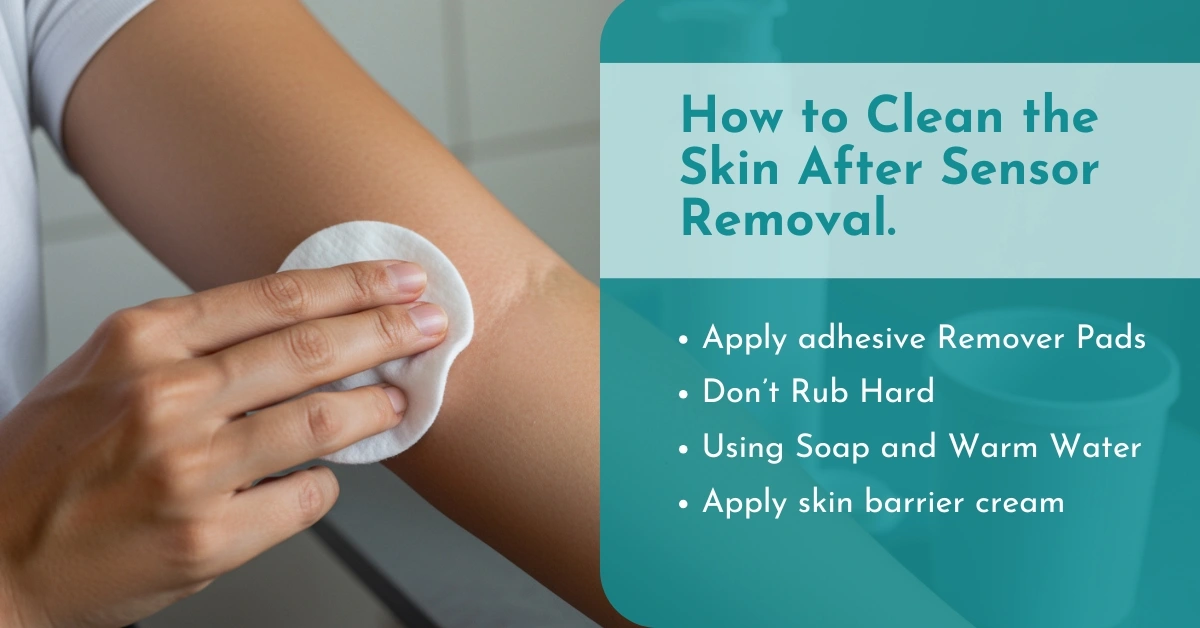
How to Clean the Skin After Sensor Removal
- You have to employ adhesive remover pads to remove any excess residue
- Don’t rub hard, particularly if the skin is hot
- Using soap and warm water to clean the area where you removed it
- Pat dry with sterile gauze or a clean towel
- Apply a skin barrier cream if you plan to insert a new sensor nearby
| Product Type | Purpose |
| Barrier cream (Cavilon, Skin-Prep) | Protects against re-irritation |
| Hydrocortisone 1% cream | Relieves itching |
| Aloe vera gel | Soothes minor inflammation |
Managing Redness, Irritation or Skin Damage
Recognising Skin Issues
- Minimal Redness: Normal and usually resolves in 24-48 hours
- Pruritic rash and Raised: May be secondary to contact dermatitis from adhesive
- Blisters or Broken Skin: Stop use and see a doctor
The sensor should not be replaced on injured or sensitive skin. Instead, rotate sites and apply a skin barrier spray next time. Use non-latex wipes, especially for patients with a history of adhesive allergy.
How Often Should You Replace the Libre 3 Plus Sensor?
- Standard wear time: 14 days
- Early replacement triggers:
- Sensor falls off
- Adhesive fails prematurely
- Alerts in the LibreLink app (e.g., “Sensor Error,” “Replace Sensor”)
Reinsertion of a new FressStyle Libre 3 sensor before the full 14 days may require proper insurance documentation, especially when ordering via EzDME.
Libre 3 Sensor vs. Other CGMs: Is Removal Easier?
| CGM Device | Removal Complexity | Skin Adhesive |
| Libre 3 Plus | Easy | Gentle medical-grade |
| Dexcom G7 | Slightly firmer | Moderate adhesive strength |
| Eversense E3 | Requires clinician | No adhesive implanted |
| Medtronic Guardian | Moderate | Requires site prep and tape |
For seniors, caregivers, or children, the Libre 3 sensor removal process is generally more user-friendly. Its smaller size and low-profile adhesive are clinically preferred for home-based use.
What to Do If the Sensor Adhesive Won’t Come Off
Try the following:
- Apply TacAway or Uni-Solve adhesive remover pads.
- For around ten to fifteen minutes, soak the area.
- Gently massage the area in a circular motion until the adhesive releases.
- Wait several hours before trying again—never rush or force removal.
Avoid rubbing alcohol during active adhesive removal; it dries skin and increases the risk of dermal tearing.
How to Prepare the Site for a New Sensor
Proper site prep reduces irritation and improves sensor accuracy:
- Wait 8-12 hours before applying to the same arm
- Select a new position at least 1 inch away 3.
- Wash skin, pat dry, don’t apply any oils, creams, or lotions
- Proceed with Libre 3 Plus sensor application
Conclusion:
Proper removal of the Libre 3 sensor is not just about comfort—it plays an important role in protecting your skin, ensuring accurate glucose readings, and extending the life of your CGM system. If removed carelessly, the adhesive can irritate the skin or leave behind residue, which may affect future sensor placement. By using a gentle, step-by-step approach and Medicare-approved adhesive remover wipes or sprays, users can reduce discomfort and avoid skin damage. This is especially helpful for those with sensitive skin or who wear sensors regularly.



Leave a Reply